
Creating high-quality images for every blog post can be time-consuming. What if your WordPress site could automatically generate images based on your content?
Good news — it’s not only possible, but you can even start with free plugins.
In this guide, you’ll learn:
- How AI image generation works in WordPress
- Whether your ChatGPT subscription can be used
- The best free plugins to automate images
- Step-by-step setup ideas
🧠 Can Your ChatGPT Subscription Do This?
If you’re using ChatGPT (like Plus or Go), you might assume you can connect it directly to WordPress.
👉 The reality:
- Your ChatGPT subscription works inside ChatGPT only
- It does NOT integrate directly with WordPress
- For automation, you need the OpenAI API
💡 Important:
- API usage is billed separately
- Image generation (like DALL·E) costs per image
⚙️ How AI Image Generation Works in WordPress
Here’s the simple workflow:
- You write a blog post in WordPress
- A plugin reads your content or title
- It creates a prompt (e.g., “Modern illustration of SEO strategy”)
- Sends it to an AI model
- Generates an image
- Saves it to your Media Library
- Sets it as:
- Featured image OR
- Inline blog image
🆓 Best Free WordPress Plugins for Auto Image Generation
Let’s look at the top options 👇
🥇 Magic Post Thumbnail (Best for Automation)
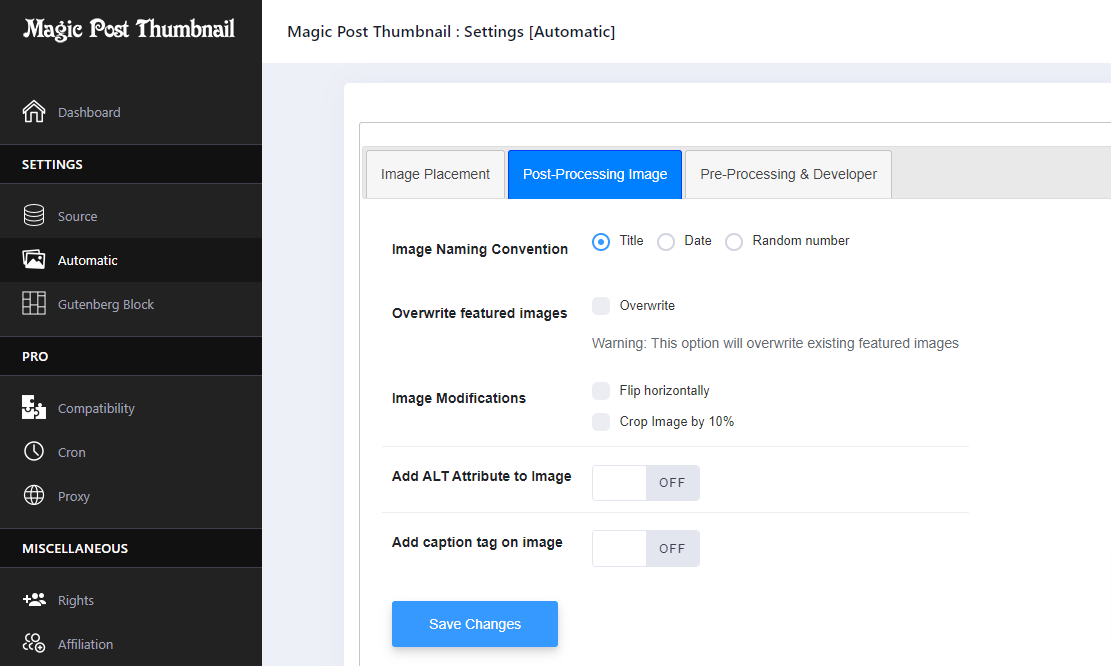
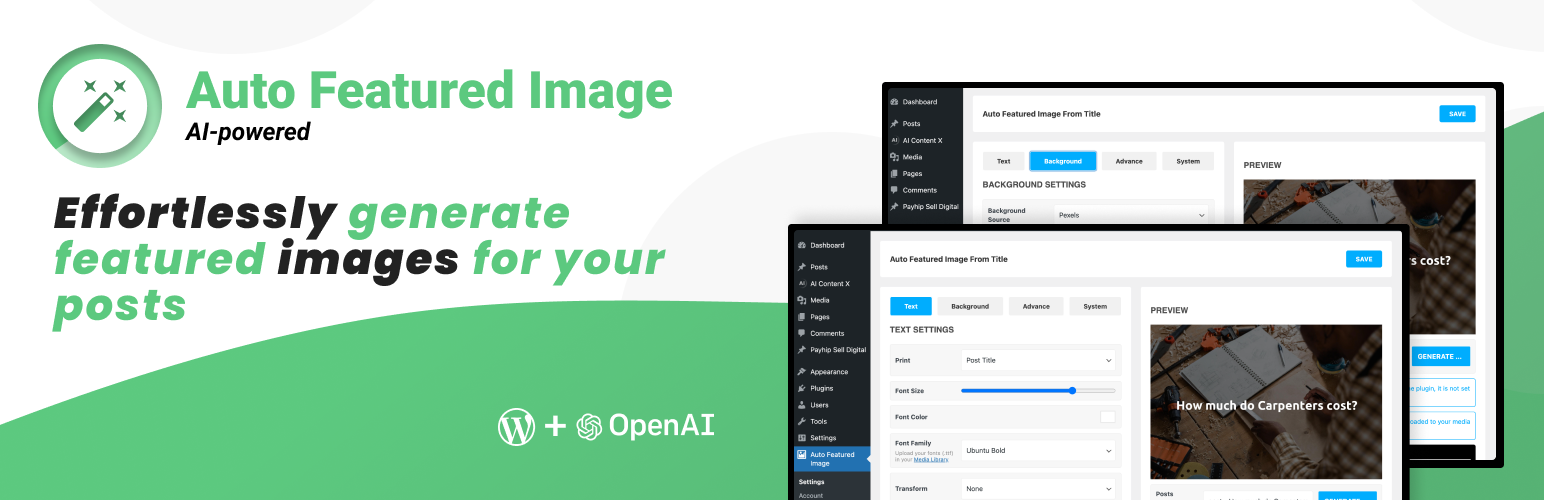

Why it stands out:
- Automatically generates images from:
- Post title
- Post content
- Can:
- Set featured image automatically
- Insert image inside post
Works with:
- AI tools (like DALL·E)
- Free sources like Pixabay & Unsplash
👉 Best choice if you want fully automatic images without coding
🥈 AI Engine (Flexible + Powerful)
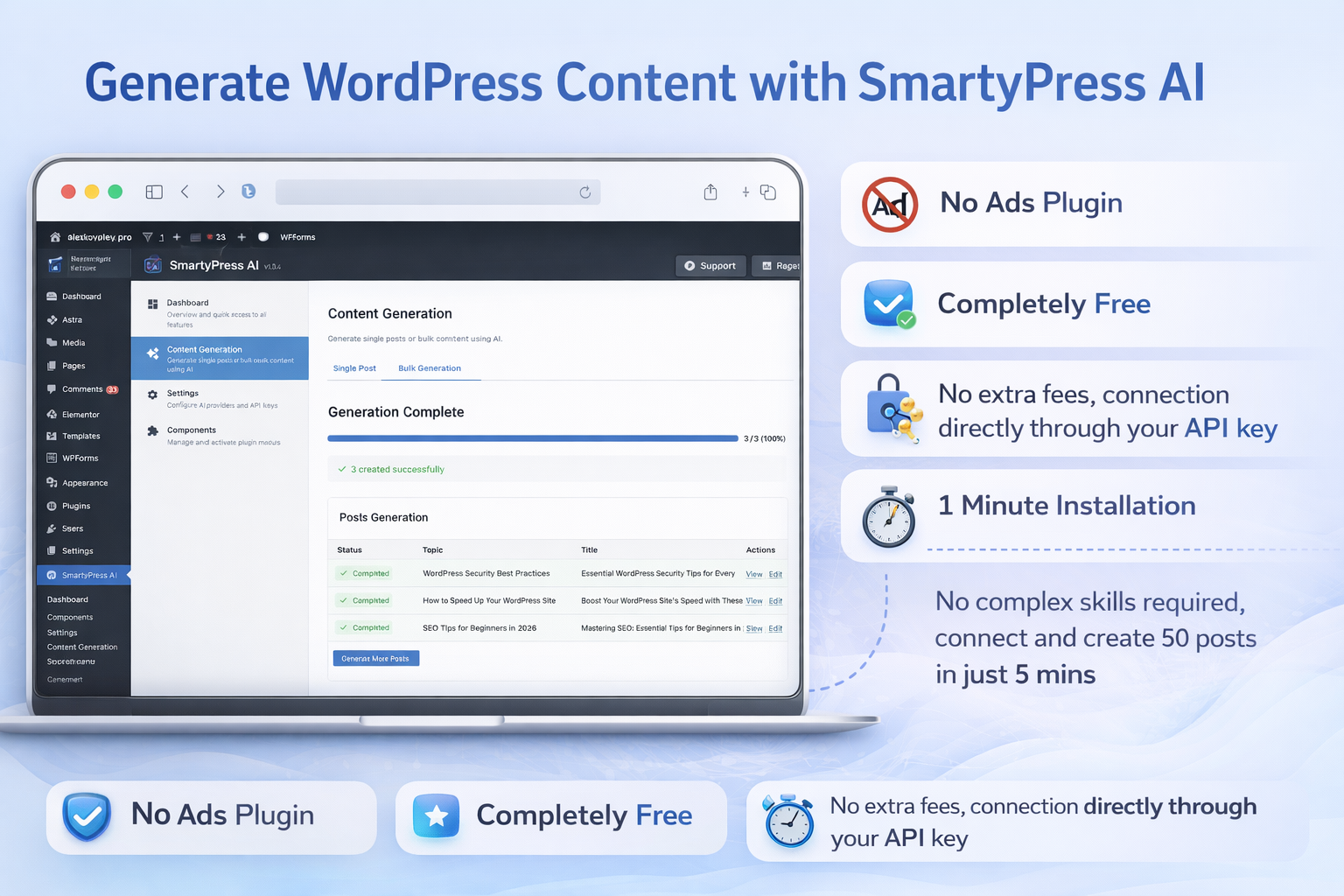
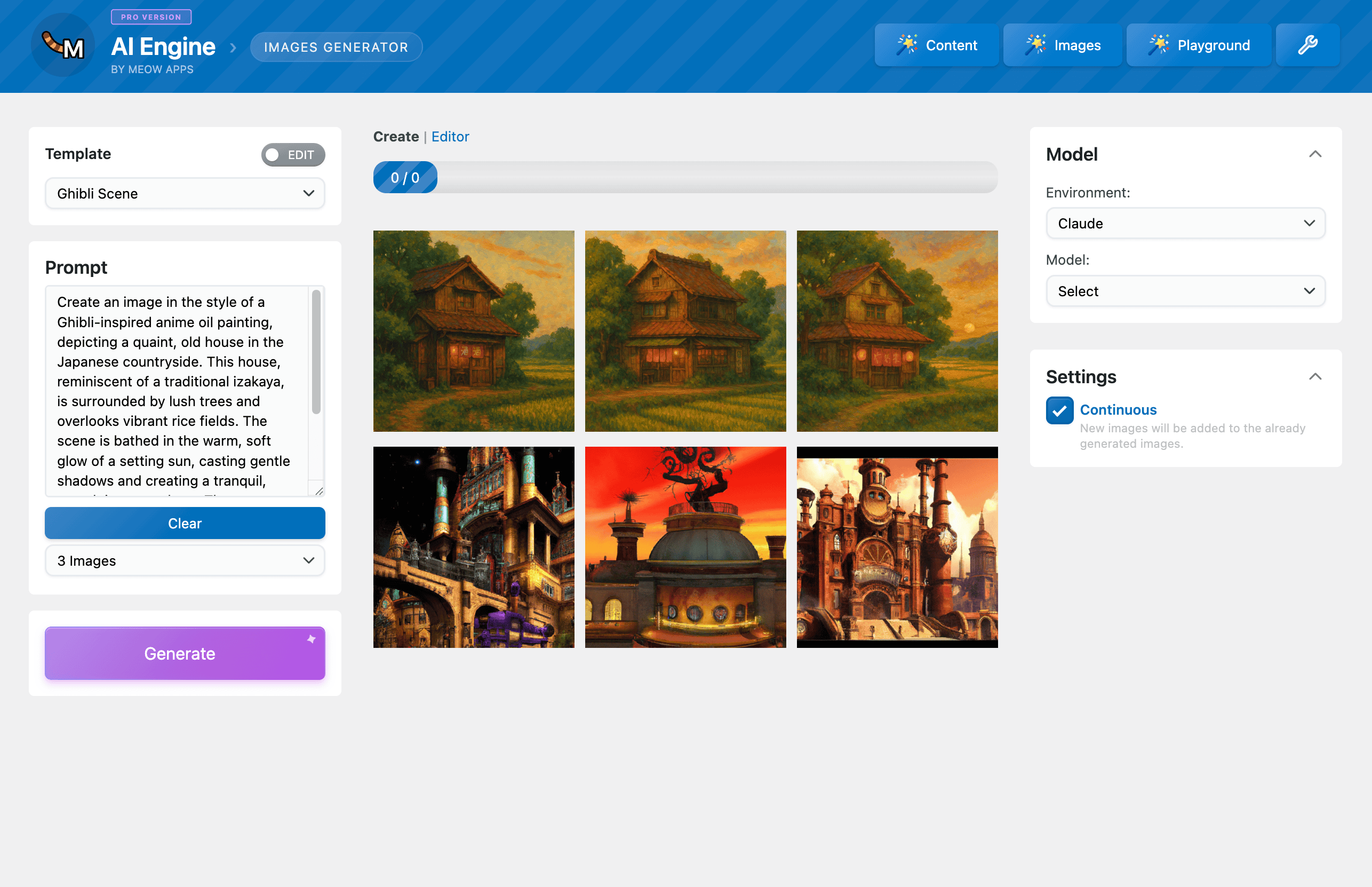

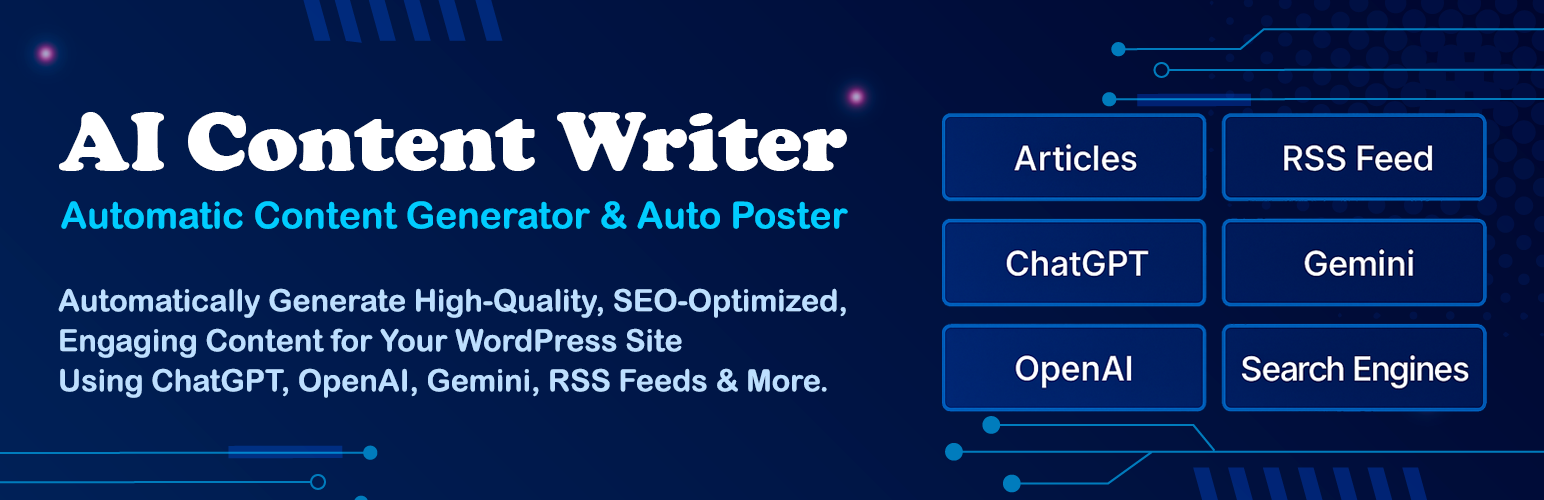
Features:
- Generate images and text
- Add “Generate Image” button in editor
- Supports multiple AI providers
👉 Ideal if you want:
- More control
- Custom workflows
- Future scalability
🥉 AI Image Generator Plugin
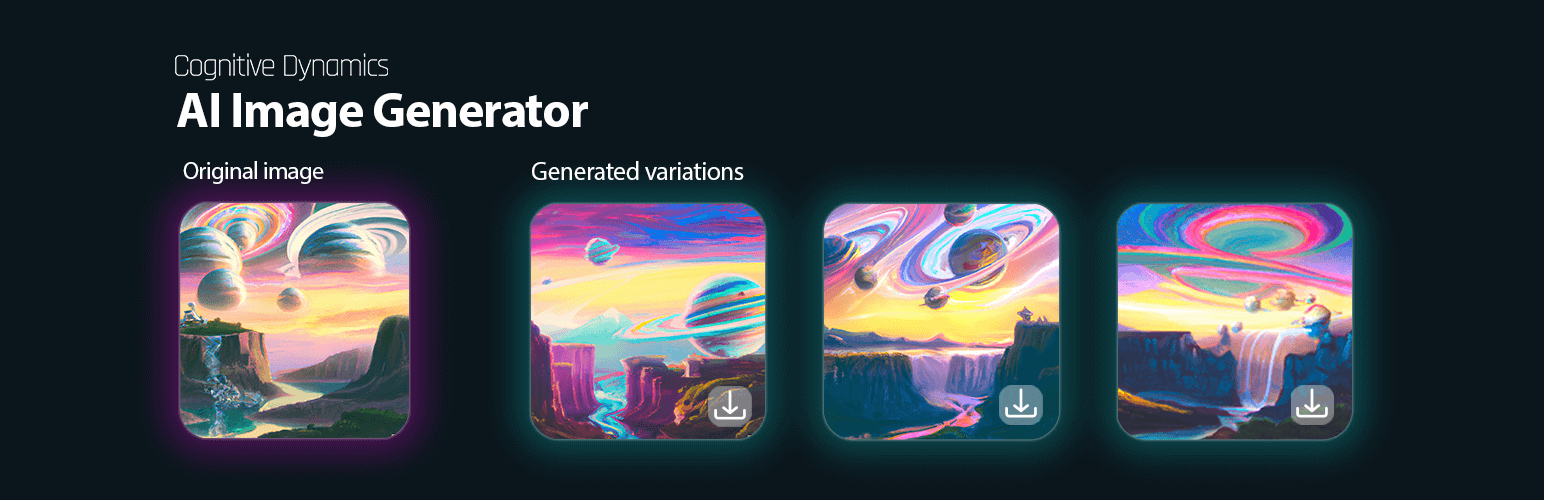
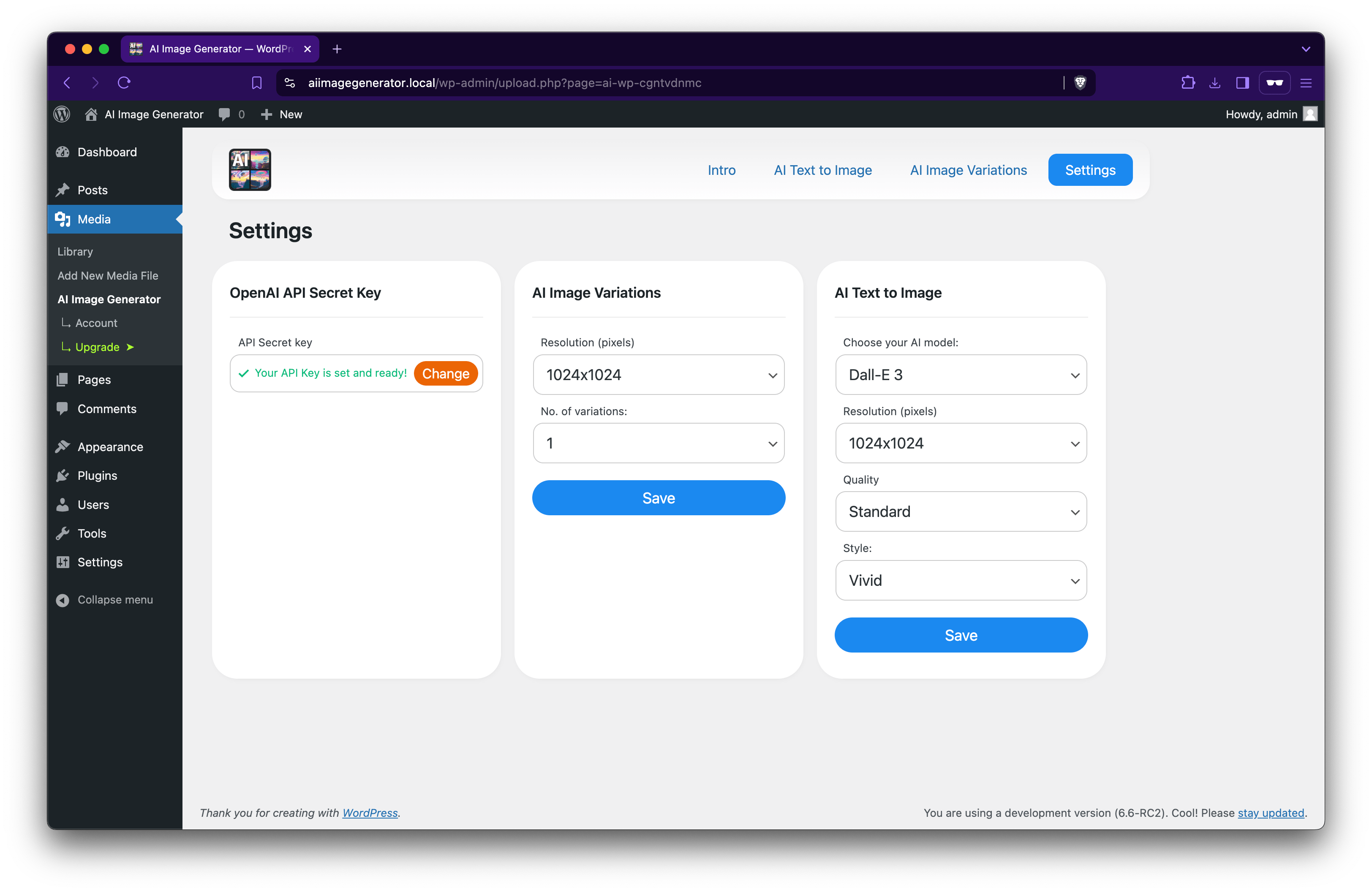
Features:
- Generate images from prompts
- Simple and lightweight
👉 Best for:
- Beginners
- Manual image creation
💡 Can You Do This Completely Free?
Yes — but with limitations.
Option 1: 100% Free Setup
Use:
- Magic Post Thumbnail
- Pixabay / Unsplash
✔ No cost
❌ Less unique images
Option 2: AI-Powered Images
Use:
- Plugin + OpenAI API
✔ Unique, high-quality images
❌ Pay per image
⚠️ Things to Keep in Mind
- Avoid generating images on every autosave
- Add a manual “Generate Image” button
- Optimize prompts for better results
- Always add:
- Alt text
- SEO-friendly filenames
🚀 Advanced Option (For Developers)
If you’re comfortable with coding:
You can:
- Create a custom WordPress plugin
- Connect to OpenAI API
- Or even use a Flask backend on AWS
This gives you:
- Full control
- Better automation
- CI/CD integration
🎯 Final Recommendation
For most users:
👉 Start with Magic Post Thumbnail
👉 Upgrade later with AI Engine + OpenAI API
This approach lets you:
- Start free
- Scale as your blog grows
✅ Conclusion
AI image generation in WordPress is no longer futuristic — it’s practical and accessible.
Whether you choose:
- Free stock images
- Or AI-generated visuals
You can save hours of work and make your blog more engaging.

Leave a Reply